The no-code AI agent builder that takes real action.
YourGPT AI Studio is an agentic flow builder for custom agent workflows. You add your logic, data, rules, and systems, then define how agents reason, decide, and take action. Conditions, guardrails, and fallbacks keep those workflows reliable on advanced use cases.
Free plan available · No credit card required


Everything the agent needs to finish the job
Ask Agent
Message, reason, branch, call any system, or pass the work to another agent. Wire it into a workflow and the job gets done.
AI Engine
Picks up the user's real intent, then answers from your knowledge base on the model you choose: GPT, Claude, or Gemini.
Logic
The AI reads user input and live data to pick the best path, then adapts the workflow as the conversation moves.
Conversation Memory
Recalls details across steps, so the AI never asks twice and decides using everything it already knows.
Rich Media
Reply with images, cards, carousels, and buttons, so the next step is something the customer can tap, not a wall of text.
Human Handoff
Hands a complex issue to a human agent with the full conversation history already attached.
Custom Code Execution
Run custom JavaScript or Python for complex logic, transformations, or connections to unique services.
API Calling
Paste a cURL command or point it at any CRM, database, or service to pull live data mid-conversation and write changes back.
Webhooks
Your agent reacts to events from other apps, like a new Stripe sale or a fresh support ticket.
Studio Collab
Build as a team, live. Teammates' cursors move as you work, edits sync instantly, and @mentions stay in the builder.
Autonomous Agent
One node that stands in for a whole branch of the workflow. Give it a goal and it chooses its own tools, step by step.
Studio Copilot
Build by describing what you want, then keep Copilot around to explain and fix a broken API or code node.
Ship Changes Without Breaking Your Workflows
Test every change before it goes live, build alongside your team in real time, and roll back instantly if something’s not right.

Agents that act and stay under your control
Ask Agent
Connect any system you already run. Build a multi-agent system. Test and roll back so you stay in control of what ships.
Connect any system you already run
Ask Agent
Native app actions when they help. A pasted cURL, webhook, or code node when they don't. Prebuilt apps are shortcuts, not a ceiling.
Native app actions
Stripe, HubSpot, Slack, and others, ready when the agent needs them.
Any API or webhook
If your system has an API, the agent can call it. Paste a cURL or run Python or JavaScript.
Stay in control of what ships
Ask Agent
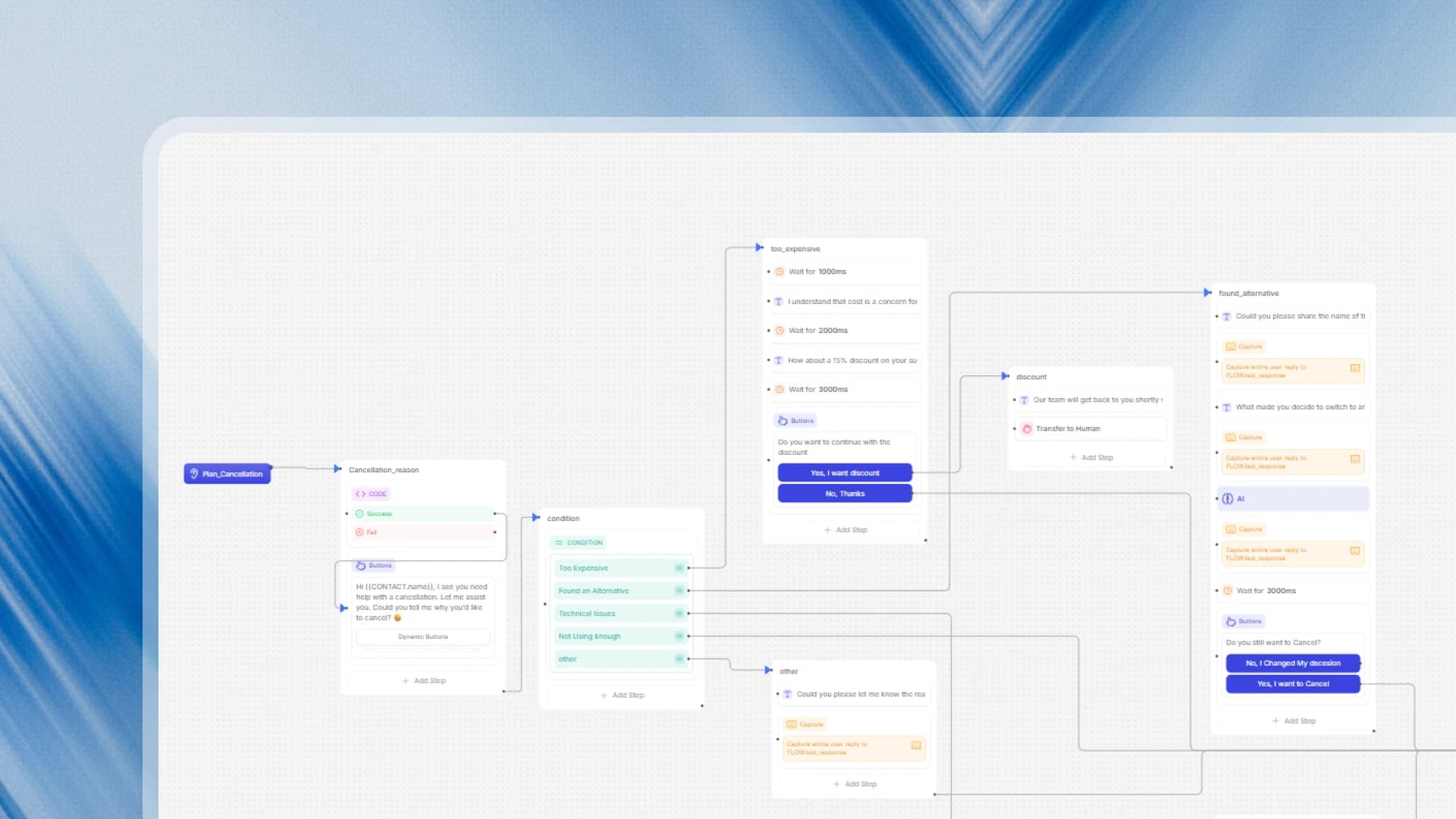
You design the path, test it before a customer sees it, and publish as a named version you can roll back. Your team can work on the same workflow.
Test before you publish
The emulator runs the unpublished workflow as a real conversation. Nothing reaches a customer until you say so.
Version control
Every publish is named. Compare it, export it, or restore it in a click.
Build a multi-agent system
Ask Agent
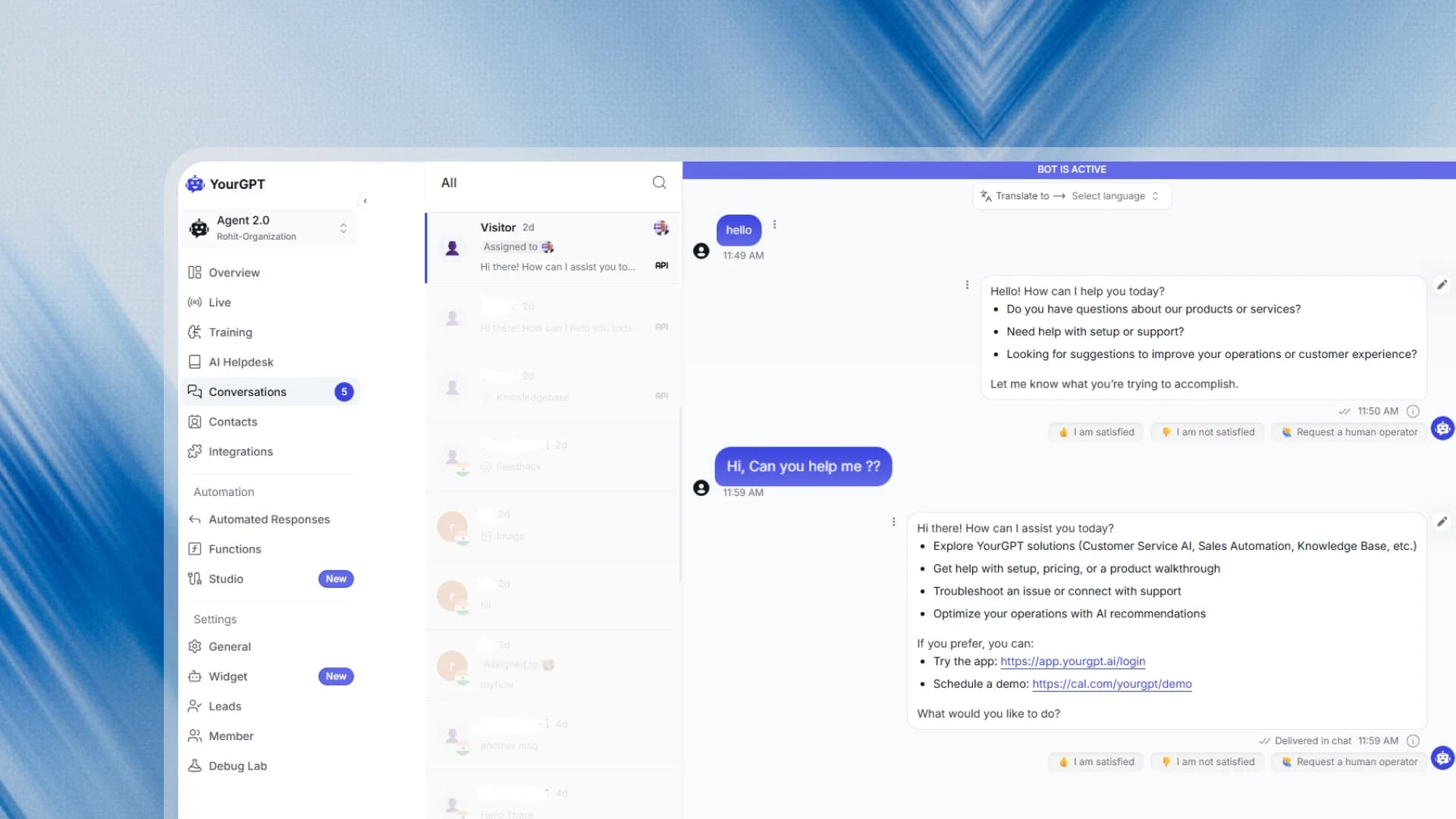
A billing agent, a support agent, a returns agent, in one workflow. Each owns its job. Work goes to the right agent, or to a human when the AI should stop.
Specialist agents
Each agent owns one job instead of one agent doing everything.
You design the system
Route work between agents. Transfer to a human when a case should leave the AI.
Let Studio Copilot Build It For You
Ask Agent
Describe the agent you want in plain English. Studio Copilot creates the nodes, wires the logic, and has your workflow ready to test in minutes.
From prompt to workflow
Copilot creates the nodes, wires the connections, and leaves it ready to test.
Debugs what it built
Select a broken API or code block and it explains the problem, then fixes it.
One Conversation, Every App You Run
Connect Cal.com, Stripe, Jira, or any other system. One customer message, and the agent books the slot, sends the payment link, and opens the ticket.
Copilot builds the workflow then agents run it
Describe what you need and Studio Copilot assembles the workflow. Run it as one agent or as a multi-agent system.
Ready-Made Templates for Zendesk, Salesforce, and Stripe
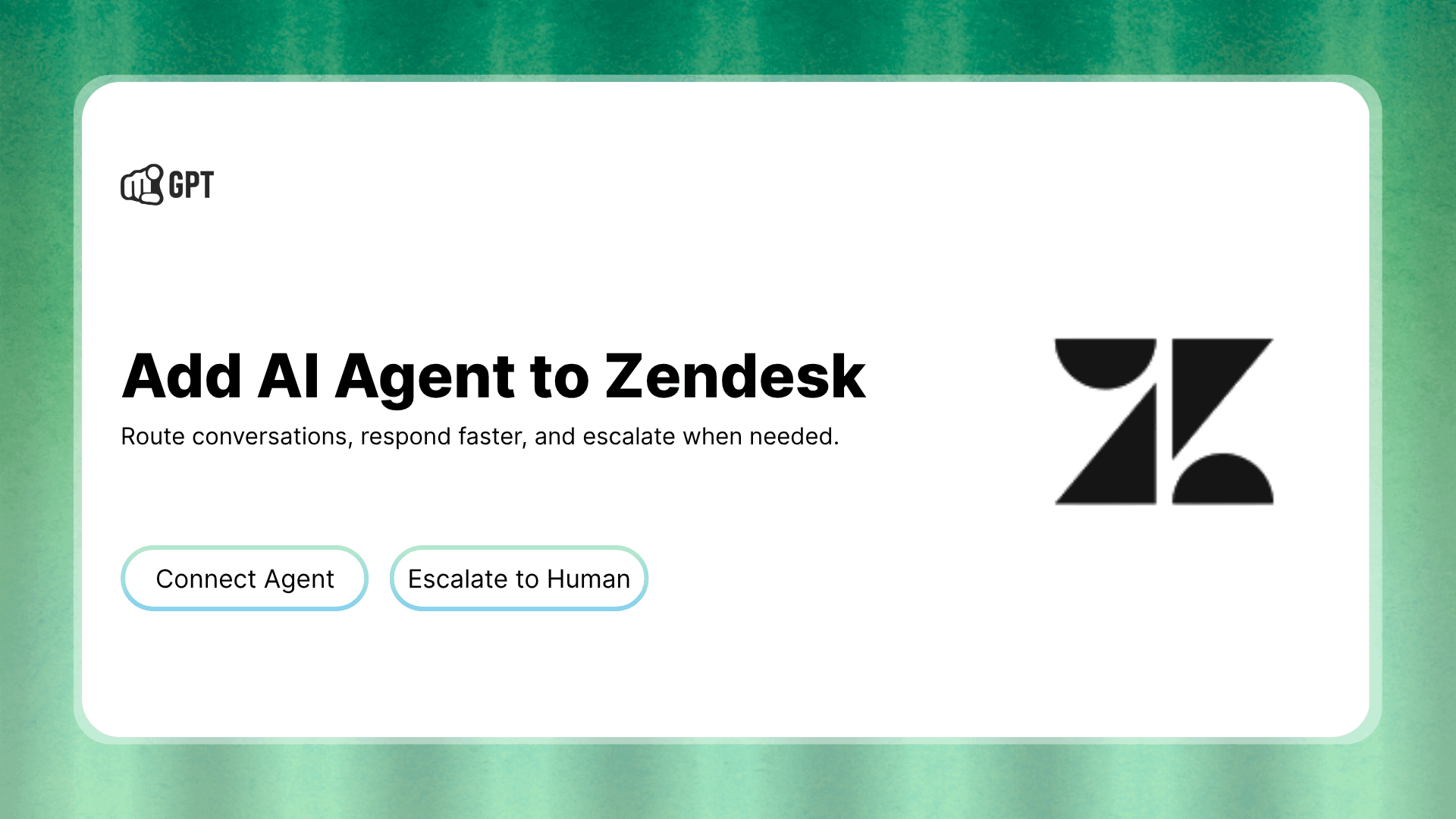
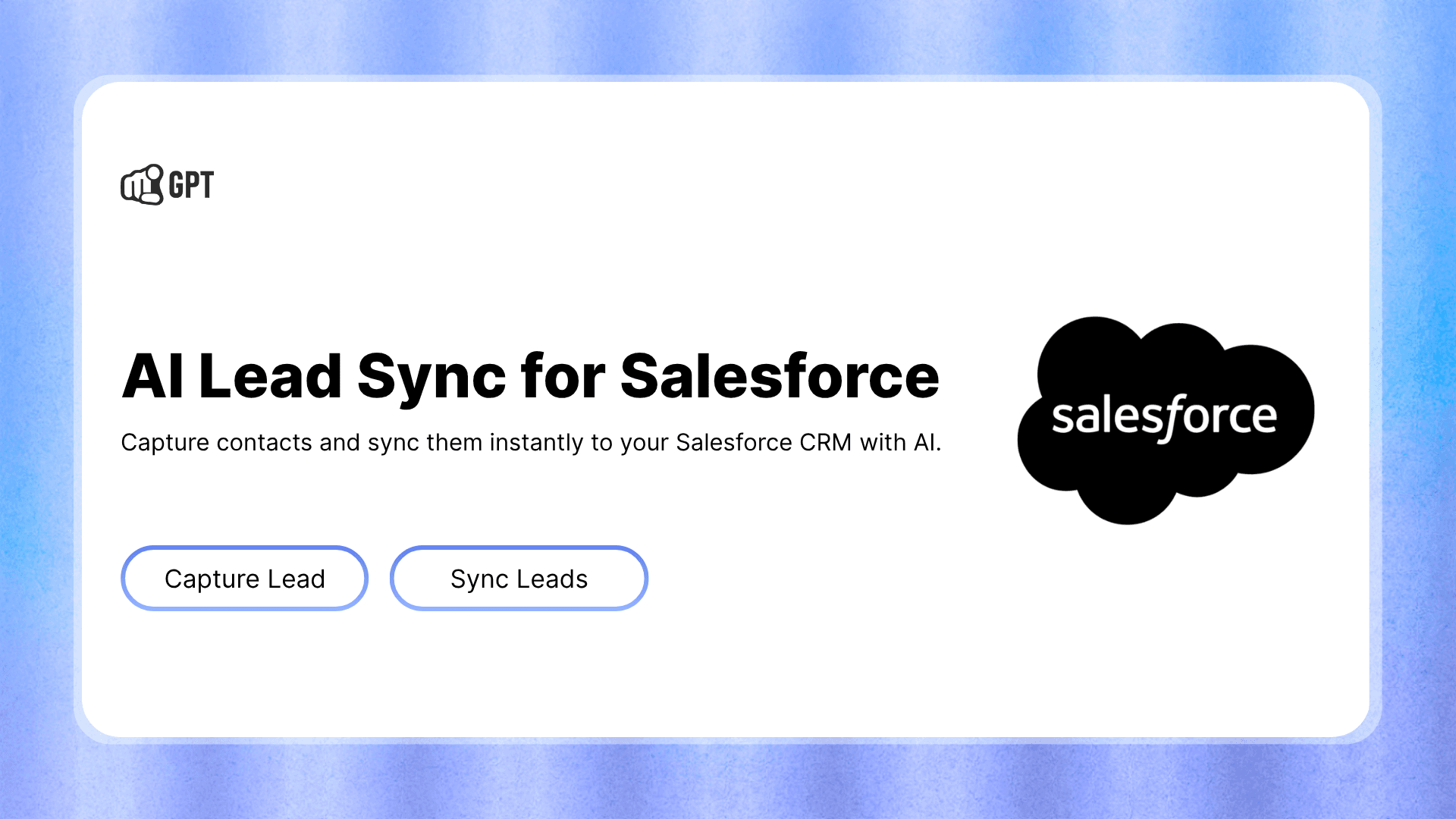
Import a template, add your API credentials, and the workflow arrives wired for your platform before you change a step.
Frequently Asked Questions
Check out the most common questions and answers below
What is YourGPT AI Studio?
How does YourGPT AI Studio compare with other flow builders?
YourGPT AI Studio is an agentic flow builder. Other flow builders lock you into a rigid path you wire by hand. A new case means another branch, and the agent still follows the script and stops at a canned reply. Studio agents reason, decide, and take action, like looking up an order or booking a meeting, using your logic, data, rules, and systems. Studio Copilot can create that workflow from a goal you give it, so you do not have to assemble it by hand.
Other flow builders also stop at the apps they list. YourGPT AI Studio connects to any system you already run, with a native action, an API, a webhook, or code. You stay in control with conditions, guardrails, fallbacks, an emulator before you publish, and versions you can roll back. A multi-agent system lets support, billing, and returns each have their own agent. Use a classic flow builder when every conversation is a script. Use Studio when the agent has to finish the job and stay reliable.
Can I build an AI agent without writing code?
Can I build a multi-agent system in AI Studio?
How do I keep the AI under control in AI Studio?
Can I test my workflows before going live?
Don't see the answer you're looking for ?
Ready to Build Your First AI Agent?
Create a free account, describe what you need, and Studio Copilot has your first agent ready to test before you write a line of code.